
App by RMBG
Vellum
A private studio for PDFs and Markdown. Annotate, sign and export PDFs, select text even on scanned pages, and listen to documents read aloud. Everything stays on your device.
What it does
Mark up any PDF
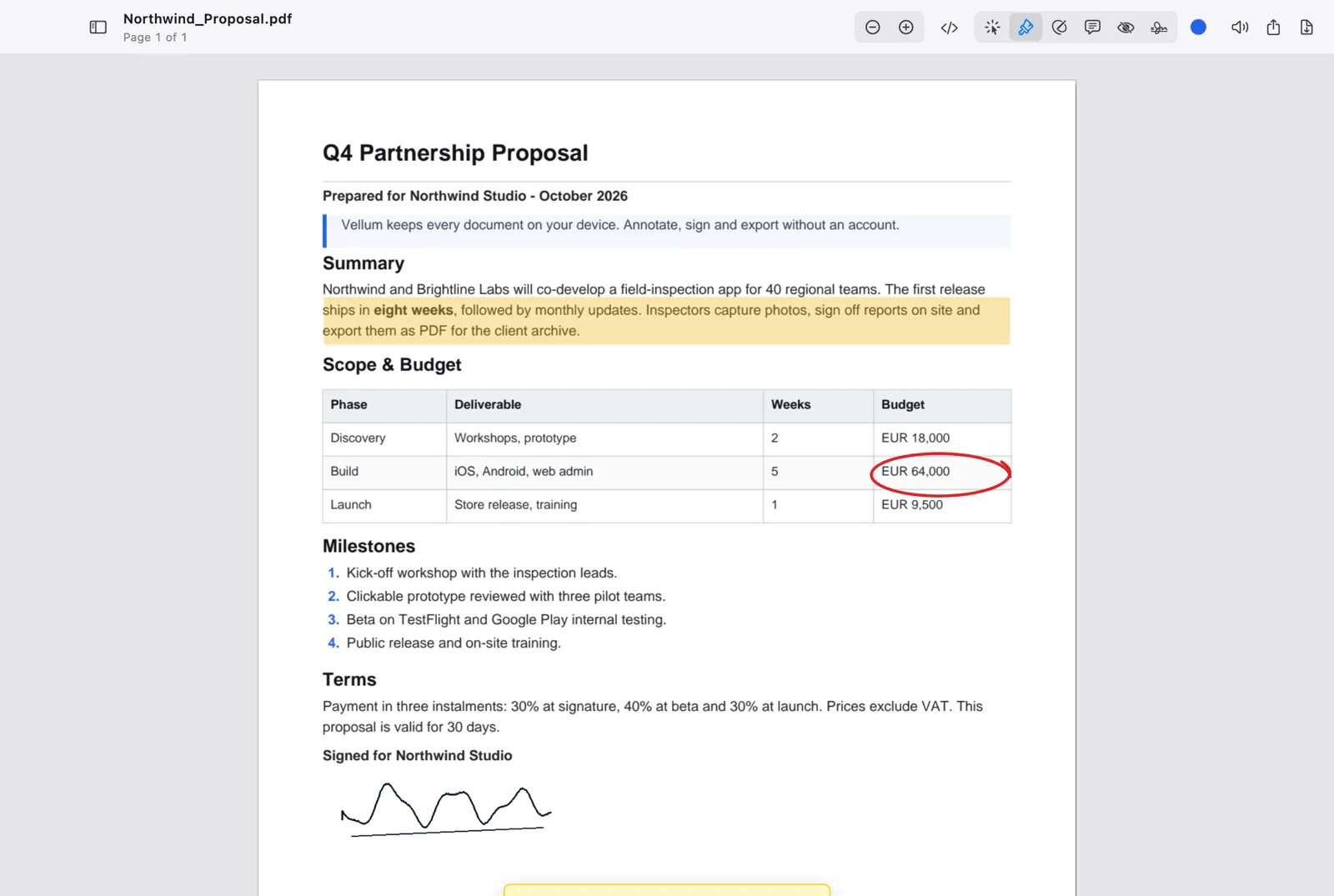
Highlight, draw with Apple Pencil, trackpad or mouse, add Markdown sticky notes and redact sensitive text. Move, recolor and undo every mark, and keep scrolling while you annotate.
Select text, even on scans
Every page has selectable text. Scanned and photographed pages are recognized on your device with Apple’s built-in text recognition.
Sign in seconds
Draw a signature, import one, or hold paper up to the camera and Vellum removes the background. Save signatures and reuse them with one tap.
Read aloud
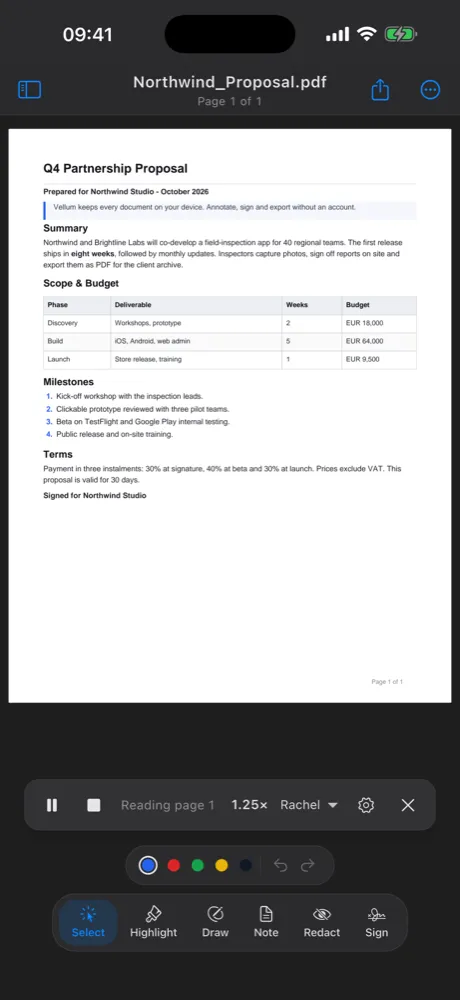
Listen to any document with natural voices from OpenAI or ElevenLabs, using your own API key. Pick a voice and a speed from 0.5x to 2x.
Live Markdown
Open .md files and edit them next to the rendered page, or turn a PDF into editable Markdown.
Export anywhere
Export a PDF with every mark flattened in, a Word document with real tables, or Markdown.
Private by design
Vellum has no account, no analytics and no advertising. Your documents, annotations and signatures are stored on your device, and text recognition runs on your device too.
Read Aloud is optional. It only works once you add your own OpenAI or ElevenLabs API key, which is kept in your device’s keychain. While it reads, the text of those pages goes straight from your device to the provider you chose. RMBG never receives it.
Support
Email info@rmbg.nl with the subject “Vellum support”. Tell us your device, the app version and what happened. A screenshot helps. We usually reply within two working days.
How do I select text on a scanned PDF?
Just open it. Pages without embedded text are recognized on your device, which takes a moment per page. Then select and copy as on any other page.
How do I set up Read Aloud?
Open Settings (Vellum › Settings on Mac, the “…” menu on iPhone and iPad), choose OpenAI or ElevenLabs and paste your API key. Vellum checks the key, then lets you pick a voice and speed.
Where are my annotations stored?
On your device, linked to the file’s contents, so they come back when you reopen the same file. Export to PDF, Word or Markdown to share them.